
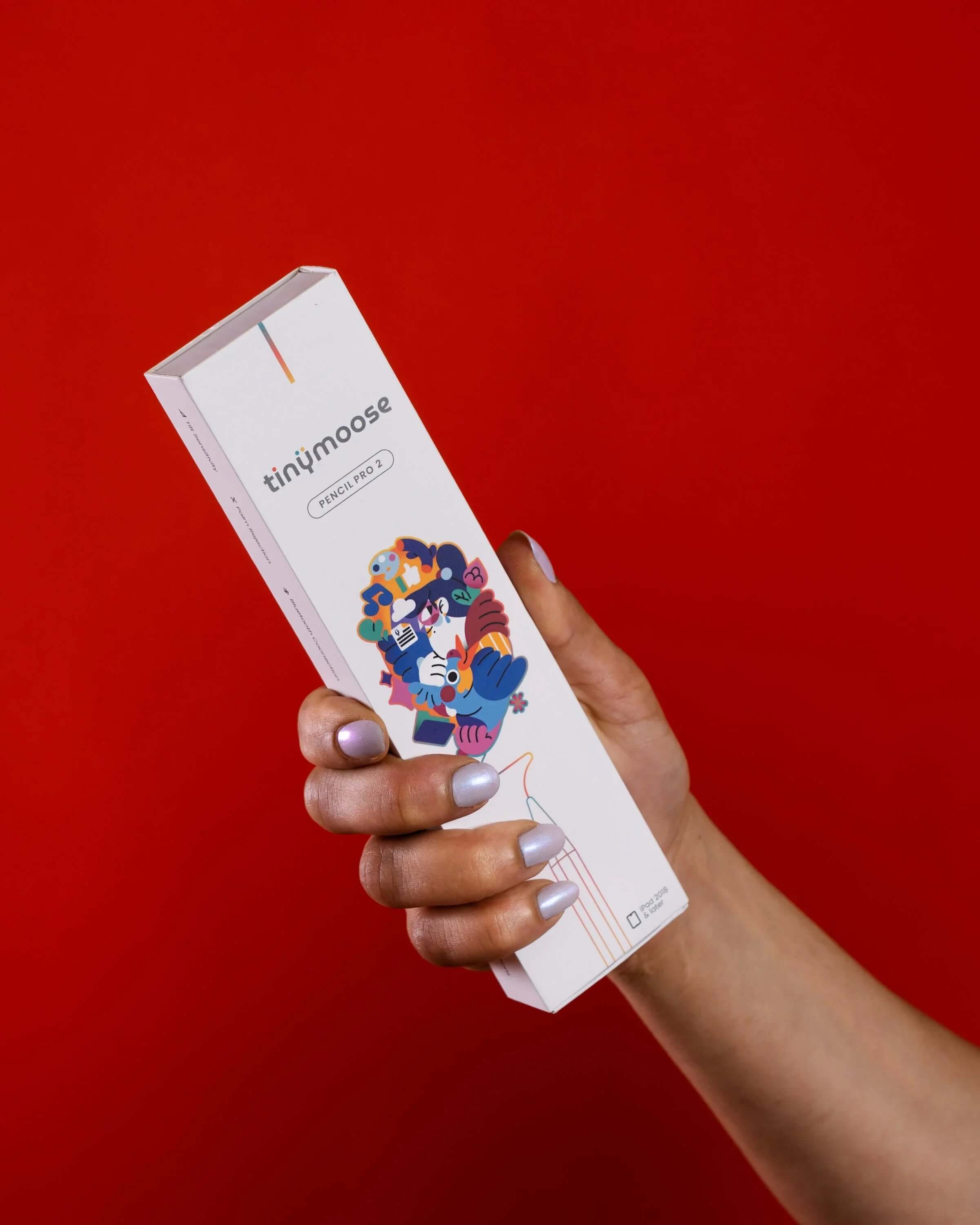
Discover Tinymoose Pencils: Unlock the Full Potential of Your iPad
If you own an iPad, you already know it’s a powerful and versatile device—perfect for note-taking, drawing, design work, and more. While the touchscreen is great, sometimes your finger just isn’t precise enough. That’s where a stylus pen becomes essential.
In this post, we’re breaking down the top five benefits of using a stylus pen with your iPad—and why the Tinymoose Pencil Pro 2 is a must-have tool for students, creators, and professionals.
1. Improved Precision
Using your finger to tap, draw, or write can feel clunky and imprecise—especially for tasks like digital art, note-taking, or editing. A stylus like the Pencil Pro 2 gives you the fine-tuned control you need to sketch clean lines, annotate documents, or highlight text with confidence.
2. Say Goodbye to Fingerprint Smudges
Tired of smudgy screens? Using a stylus means fewer fingerprints, keeping your iPad screen clean, clear, and easier to read—especially under bright lights or when using detailed apps.
3. More Comfort, Less Strain
Long study sessions or creative marathons can take a toll on your hands. A stylus is lighter and more ergonomic than constant finger tapping, making it more comfortable to use for extended periods.
4. Boost Your Creativity
Stylus pens open up a whole new creative experience. The Tinymoose Pencil Pro 2 supports tilt sensitivity and palm rejection, helping artists and designers bring their ideas to life more naturally. Whether you're sketching in Procreate or writing notes in GoodNotes, it feels just like using a real pen.
5. Built for Apps That Matter
Many top-tier apps—like Procreate, Notability, Adobe Illustrator, and Concepts—are built with stylus functionality in mind. A good stylus enhances your experience in these apps, unlocking features that fingers just can’t match.
Ready to Upgrade?
If you’re looking for a powerful, reliable, and beautifully designed iPad pen, check out the Tinymoose Pencil Pro 2 in Alpine White or Midnight Black. It’s crafted for precision, built for performance, and ready to elevate your digital experience.
Share:
This is why the Stylus Pen will Pave the Way for Us into the Digital Era
Boost Your Grades: The Ultimate Guide to iPad Note-Taking for University
2 comments
HOW DO I TURN ON MY WATCH
?
HOW DO I TURN ON MY WATCH
?