
- 0 comentarios
- por Tinymoose LLC
Your Guide to a Stylus Pen with Palm Rejection
Discover how a stylus pen with palm rejection unlocks your iPad's true potential. Learn how it works and why it's essential for natural drawing and writing.
- 0 comentarios
- por Tinymoose LLC
El Mejor Stylus para iPhone en 2026: Uno Que Sí Funciona
Apple no fabrica un stylus para iPhone — y la mayoría de las alternativas son basura. Encontramos uno que funciona de verdad en iPhone, iPad y Android, con cambio instantáneo entre dispositivos.
- 0 comentarios
- por Tinymoose LLC
USB-C Apple Pencil Alternative: Same Features, Half the Price
USB-C Apple Pencil Alternative - At $79, Apple's USB-C Pencil offers precision, tilt sensitivity, and convenient charging, but no Gesture Control. The Tinymoose Pencil Pro 2 delivers all that plus Gesture Control for $39. Here's how they compare.
- 0 comentarios
- por Tinymoose LLC
Can You Use an iPad as a Drawing Tablet?
Yes, you can use an iPad as a drawing tablet. For many artists, it's become the preferred option — portable, direct, and powerful enough for professional work.
- 0 comentarios
- por Tinymoose LLC
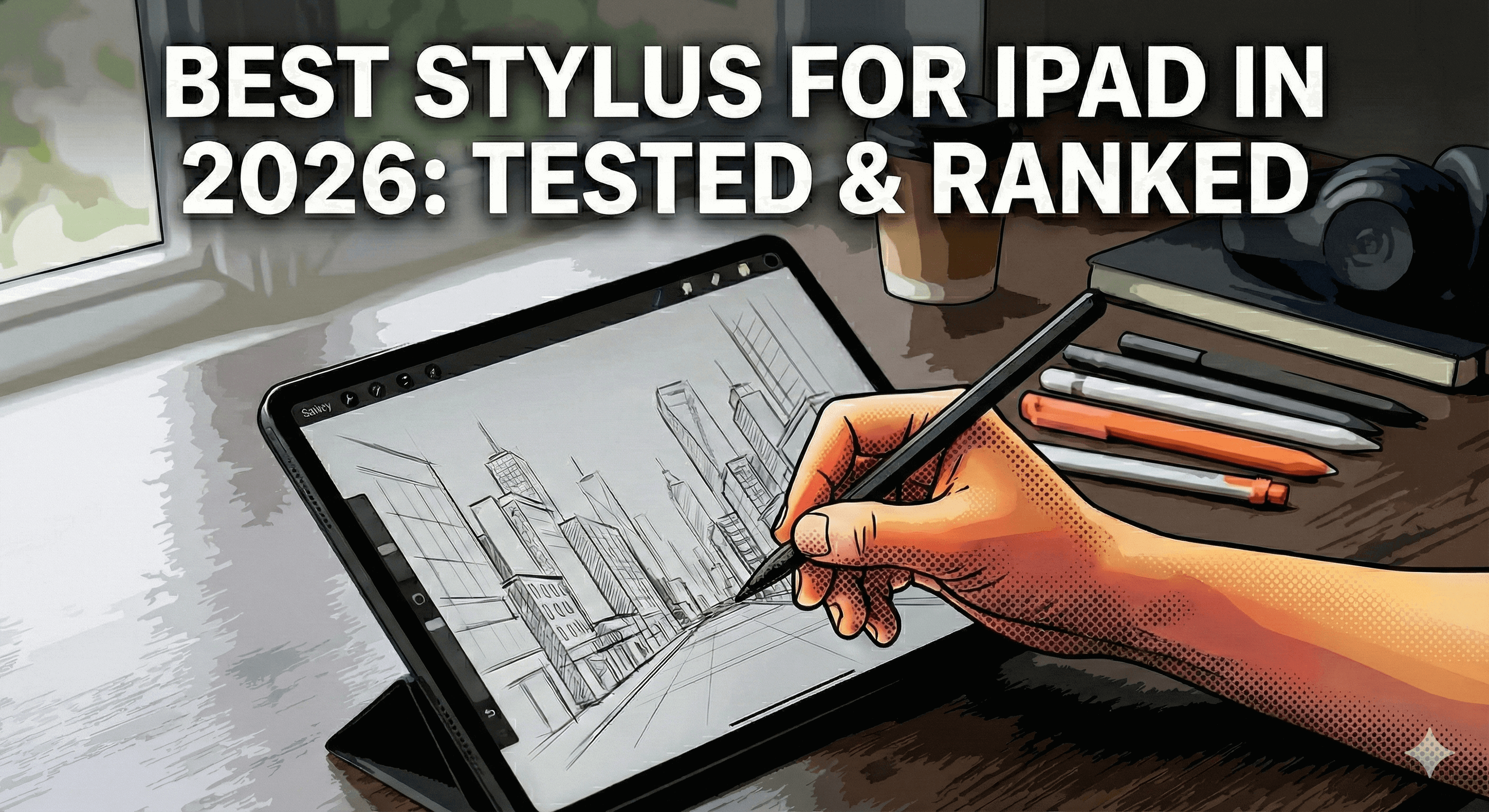
How to Draw on iPad: Your Easy Guide to Effortless Digital Art
Everything you need to start drawing on iPad, from picking a stylus to mastering layers and shading techniques.
- 0 comentarios
- por Tinymoose LLC
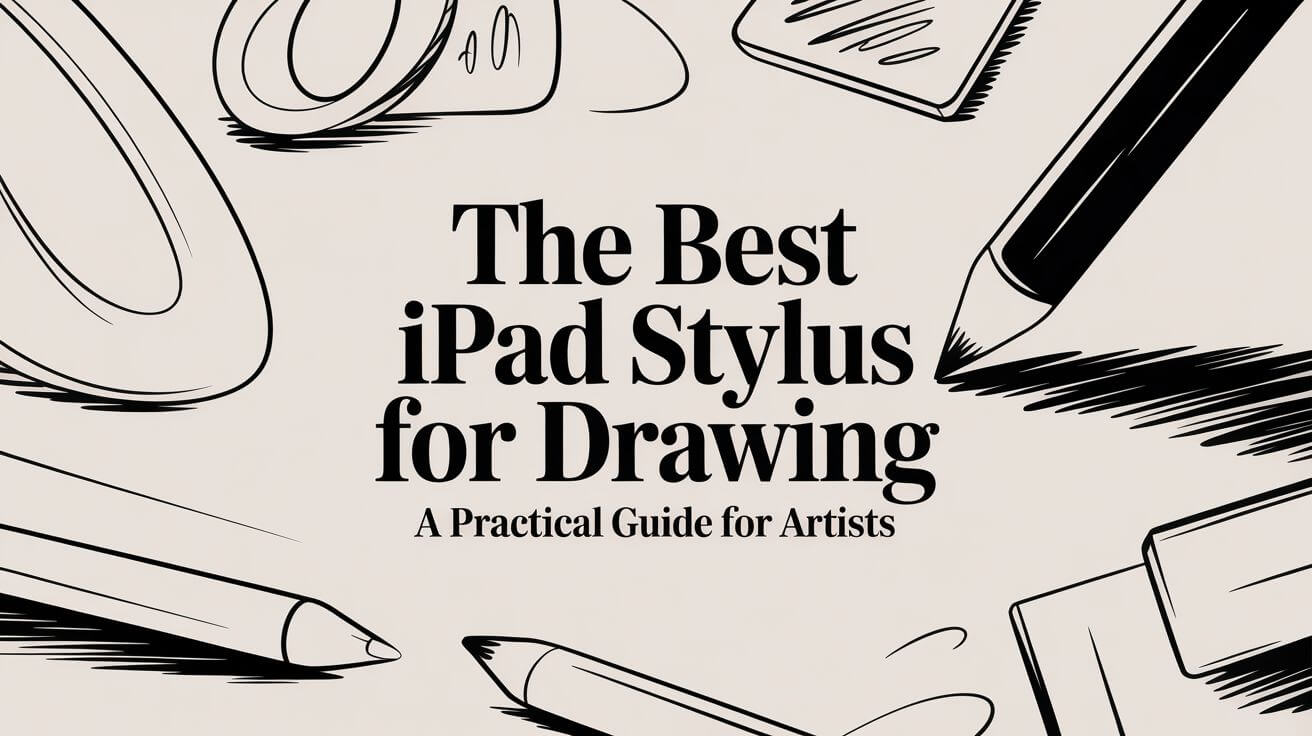
El Mejor Stylus para iPad en 2026: 5 Opciones Probadas
Qué stylus para iPad merece tu dinero en 2026: probamos 5 opciones, del Apple Pencil Pro a alternativas de menos de $50.
- 0 comentarios
- por Tinymoose
The Best iPad Stylus for Drawing: A Practical Guide for Artists
- 0 comentarios
- por Tinymoose LLC
Tinymoose Stylus Comparison: Pencil Pro, Pencil Pro 2, and Pencil Pro Ultra
Choosing the right stylus shouldn’t be complicated. We break down the Tinymoose Pencil Pro, Pro 2, and Pro Ultra — covering features, compatibility, and who each model is best for. Whether you’re an artist, student, or multitasker, this guide helps you find your perfect match.

- 0 comentarios
- por Tinymoose
Cómo elegir el lápiz óptico perfecto para potenciar su flujo de trabajo digital
¡Atención, creadores expertos en tecnología! ¿Cansados de garabatear en vuestro iPad con un dedo tan ágil como una jirafa recién nacida? No os preocupéis, amigos, porque tenemos la solución a vuestros problemas digitales: ¡el potente lápiz óptico!