
- 0 comments
- by Tinymoose
Finding the Best iPad for Digital Art
- 0 comments
- by Tinymoose LLC
Your Guide to a Stylus Pen with Palm Rejection
Discover how a stylus pen with palm rejection unlocks your iPad's true potential. Learn how it works and why it's essential for natural drawing and writing.
- 0 comments
- by Tinymoose LLC
Best iPhone Stylus in 2026 (Yes, They Exist — Apple Just Doesn't Make One)
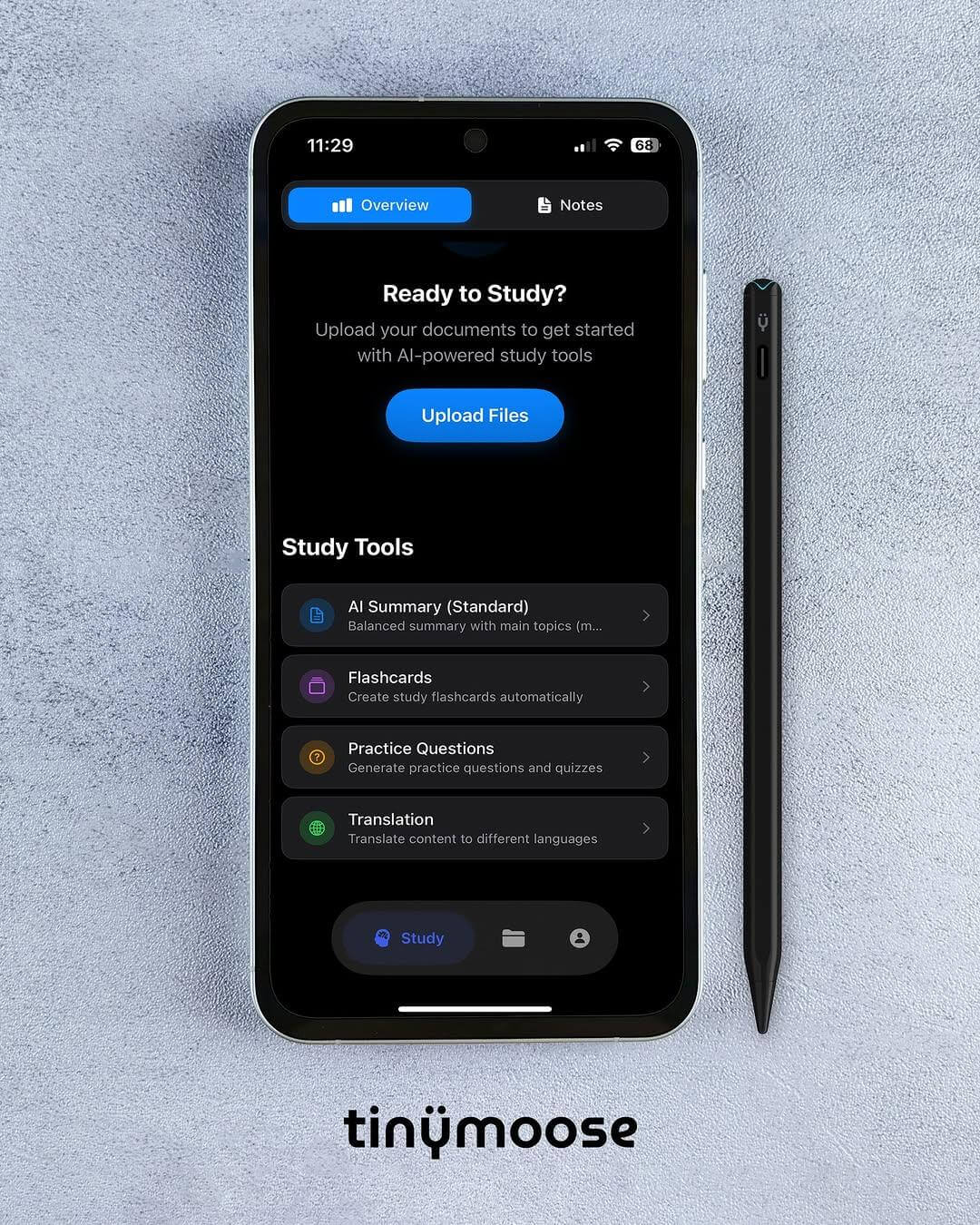
Apple doesn't make a stylus for iPhone, and most third-party options are junk. We found one that works across iPhone, iPad, and Android with instant switching, plus full palm rejection and tilt sensitivity on iPad. Here's why the Tinymoose Pencil Pro Ultra is the best iPhone stylus you can buy in 2025.
- 0 comments
- by Tinymoose LLC
USB-C Apple Pencil Alternative: Same Features, Half the Price
USB-C Apple Pencil Alternative - At $79, Apple's USB-C Pencil offers precision, tilt sensitivity, and convenient charging, but no Gesture Control. The Tinymoose Pencil Pro 2 delivers all that plus Gesture Control for $39. Here's how they compare.
- 0 comments
- by Tinymoose LLC
Can You Use an iPad as a Drawing Tablet?
Yes, you can use an iPad as a drawing tablet. For many artists, it's become the preferred option — portable, direct, and powerful enough for professional work.
- 0 comments
- by Tinymoose LLC
How to Draw on iPad: Your Easy Guide to Effortless Digital Art
Everything you need to start drawing on iPad, from picking a stylus to mastering layers and shading techniques.
- 0 comments
- by Tinymoose LLC
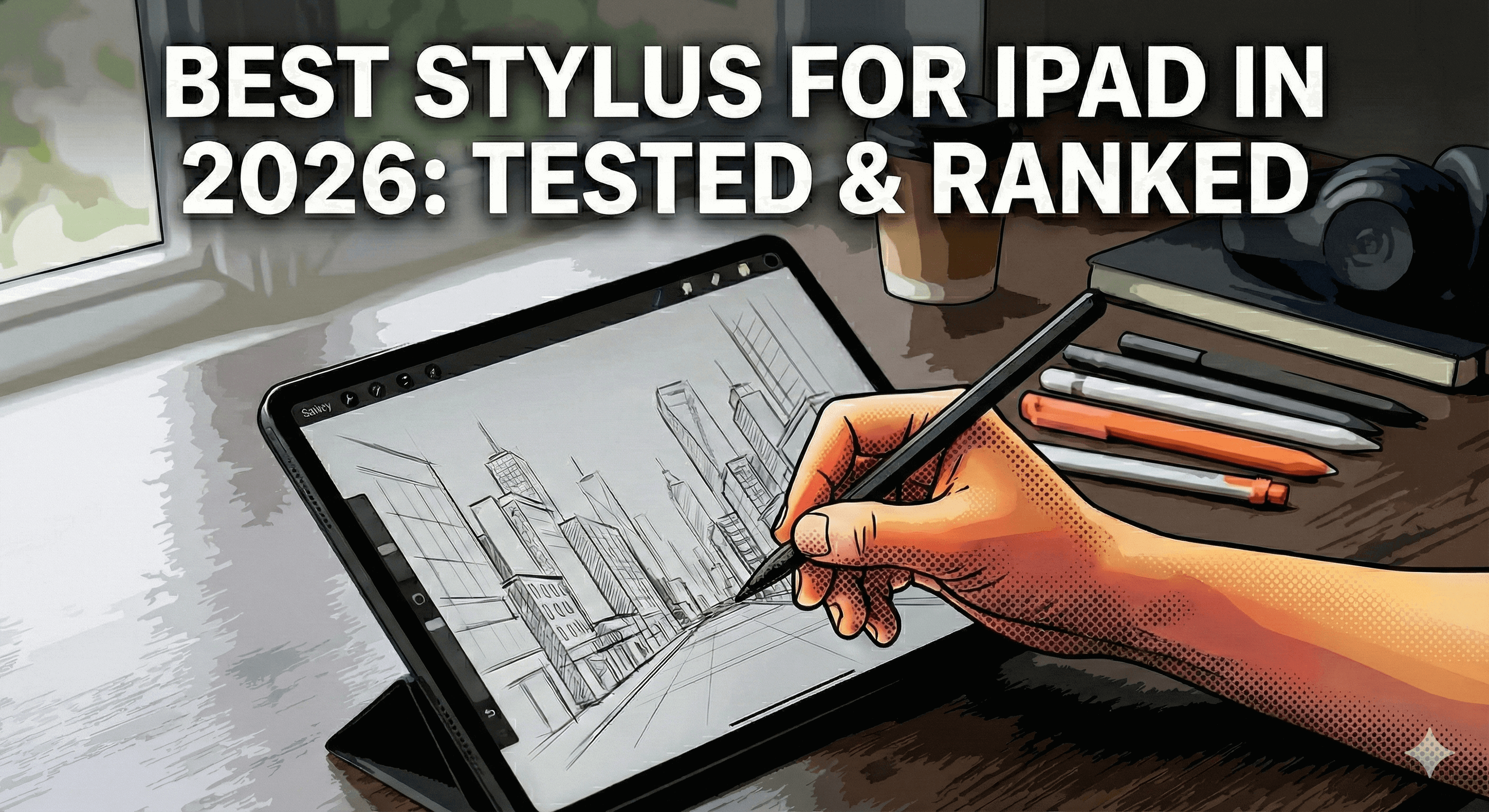
Best Stylus for iPad in 2026: Tested & Ranked
Spent $129 on an Apple Pencil Pro? You might've wasted your money. We tested 5 iPad styluses head-to-head—from the official Apple Pencil to $30 alternatives. The results? One budget stylus beat Apple's "Pro" features for half the price.
- 0 comments
- by Tinymoose
The Best iPad Stylus for Drawing: A Practical Guide for Artists
- 0 comments
- by Tinymoose LLC
Tinymoose Stylus Comparison: Pencil Pro, Pencil Pro 2, and Pencil Pro Ultra
Choosing the right stylus shouldn’t be complicated. We break down the Tinymoose Pencil Pro, Pro 2, and Pro Ultra — covering features, compatibility, and who each model is best for. Whether you’re an artist, student, or multitasker, this guide helps you find your perfect match.